
Tell us about a post, a car, a member or a team that breaks the Community rules. Block someone to stop seeing each other.
Report something
- Find the post, car or member.
- A post: tap the three dots on it, then Report.
- A build card: tap Report at the bottom of the card.
- A member: on their profile, tap the three dots at the top, then Report.
- A video: tap the three dots on the right side, then Report.
- Under "What is wrong?", pick one: Adult content, Harassment or hate, Violence or threats, Spam or scam or Something else.
- Add a note if you like. Up to 500 characters.
- To block them too, tick Also block them.
- Tap Send report.
The app says "Thanks. Our team will look at it." We aim to look at reports within a day. The person you reported is not told who sent it.
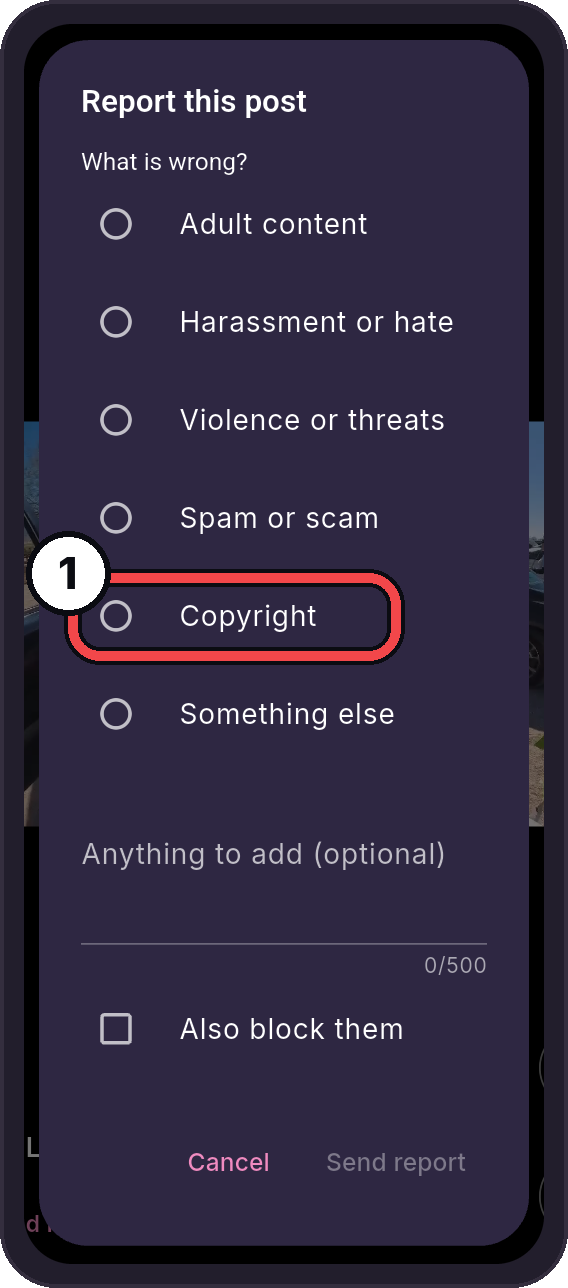
- Copyright: For your own work posted without permission. See Copyright and Takedowns.
You need to be signed in to report. You cannot report your own posts.
Report a team
- Open the team's page.
- Tap Report team.
- Pick a reason: Bad team name, Bad picture, Bullying or hate, Spam or scam or Something else.
- Tap Send report.
Block someone
- Open their build card, or tap the three dots at the top of their profile. Or tap the three dots on one of their posts.
- Tap Block (on a post, Block and their name).
- Tap Block to confirm.
You stop seeing each other in Community, and follows between you end. Their posts go away at once, everywhere in Community. They are not told.
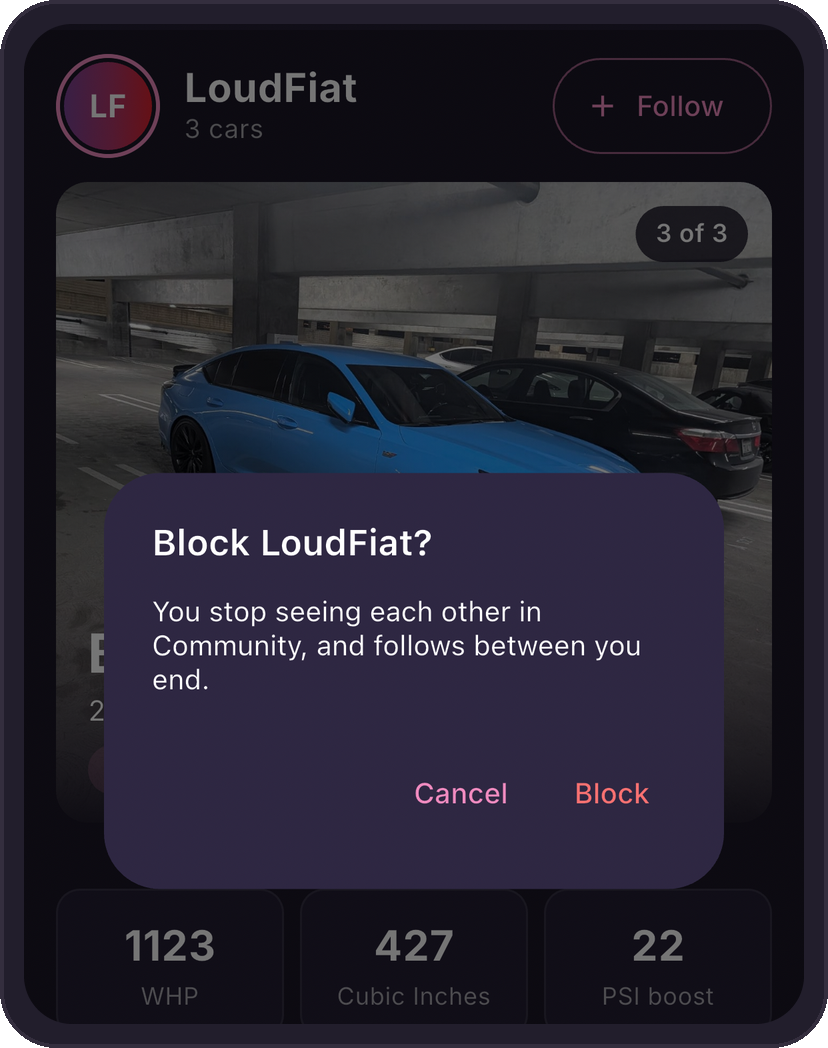
A block covers Nearby too.
Unblock someone
- Go to Community, then tap your picture at the top right.
- Tap the gear, then Blocked people.
- Tap Unblock next to their name.
The app says they are unblocked. Follows that ended with the block do not come back. Follow them again if you like.
Report in Nearby
On someone's Nearby card, tap Report. Pick Their photo, Their name, They bother me or Something else. Tick Also block them to block them too.
If something does not work
| Message | What to do |
|---|---|
| "Sign in to report." or "Sign in to block." | Sign in first. See Account and Sign-In. |
| "Couldn't reach Community. Check your connection and try again." | Check your internet connection, then try again. |