
The Tools tab holds the app's tools. Some work with no LF gear at all.
What is on the Tools tab
| Tool | Where | What it does |
|---|---|---|
| Tone generator | Play | Plays test tones, bass presets and sweeps through your system. Works with no device. See Tone Generator. |
| Rebass | Play | Adds deep bass to a song on your phone. Works with no device. See Rebass. |
| Record a run | With LF gear | Records video with your live readings on top. See Video Capture. |
| Sessions | With LF gear | Your recorded sessions. See Recording Sessions. |
Record a run and Sessions say Needs LF gear until you pair a device. Tap Have LF gear? Add a device to pair one. See Getting Started.
More tools show under Build and tune as they open.
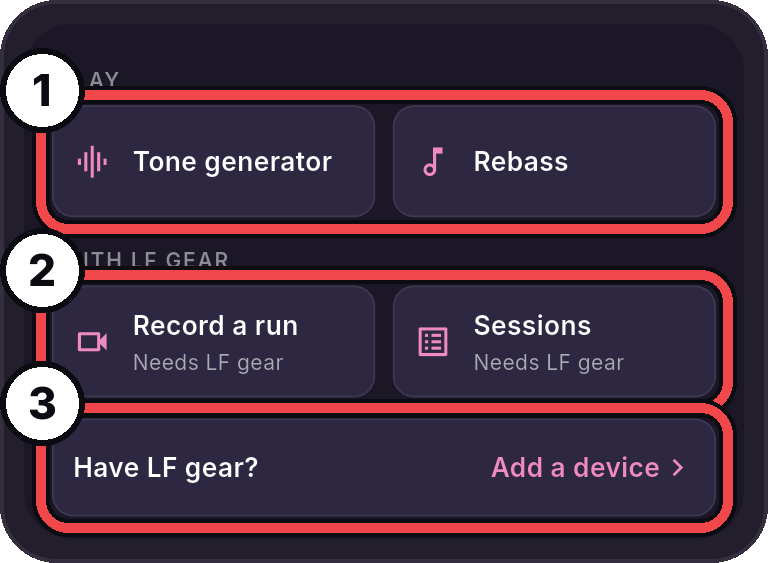
- Play: The tone generator and Rebass. They work with no device.
- With LF gear: Record a run and Sessions. They need a device.
- Have LF gear?: Tap Add a device to pair one.
While a tone plays
A Tone playing strip shows on the Tools tab while a tone plays. Tap Stop on the strip to stop it.